
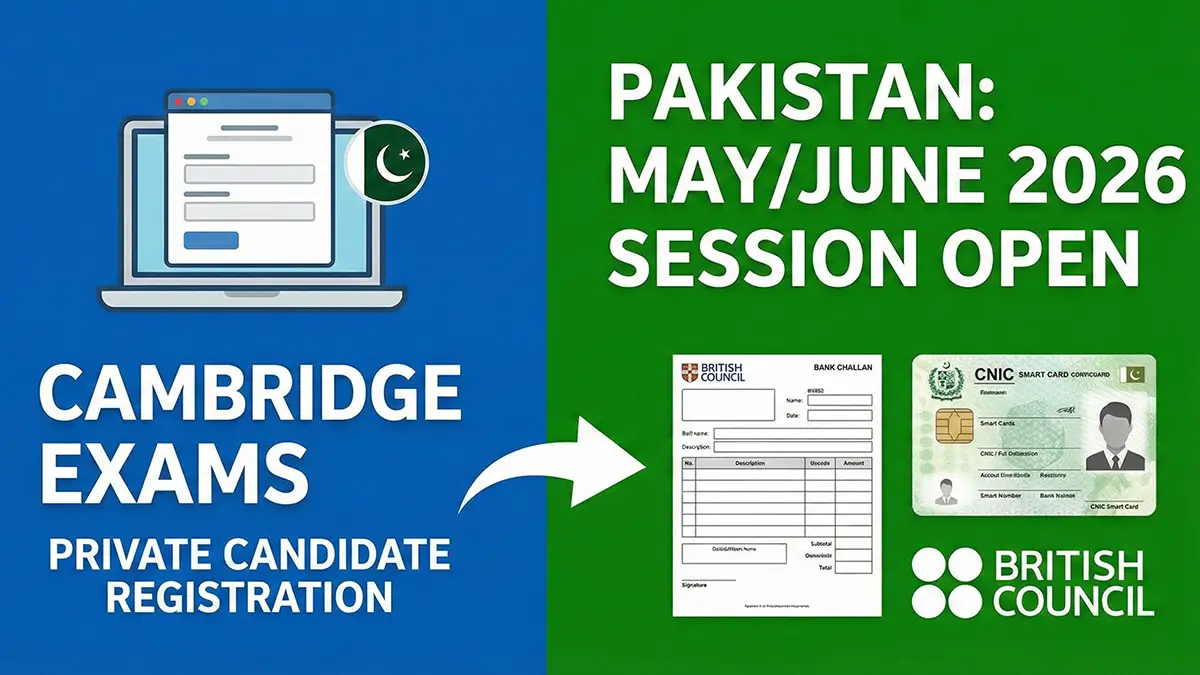
If you’re planning to appear as a private candidate for Cambridge exams in May/June 2026, the registration process is now officially live.
Here’s a simple, step-by-step guide to help you register correctly and avoid common mistakes.
1. Know the Registration Deadlines (Very Important)
Before starting the process, you must be clear about the deadlines. Missing these can result in extra fees or rejection, so plan early.
For May/June 2026 (IGCSE, O Level & A Level):
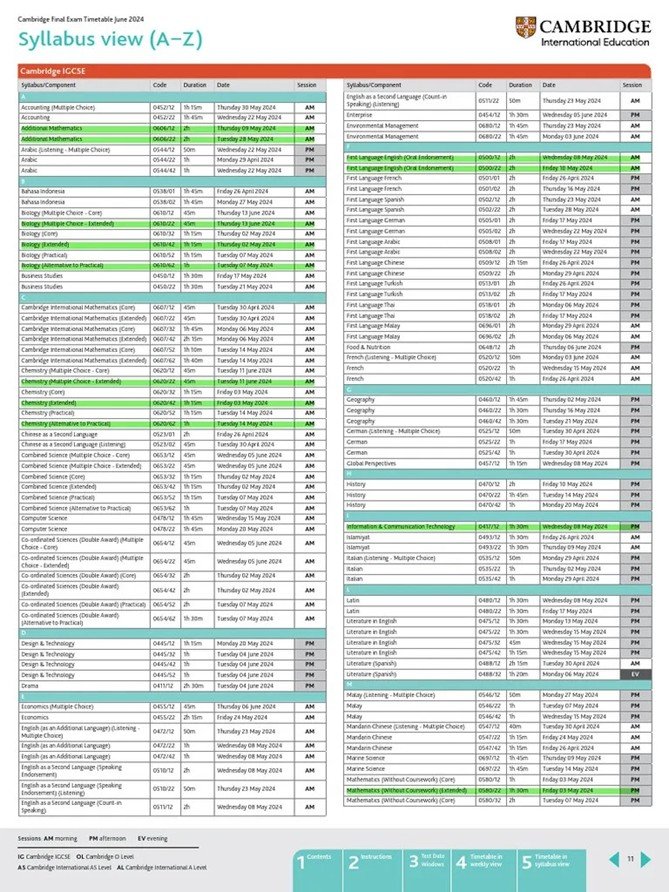
- Normal registration deadline: 10 February 2026
- Late registration (Stage 1): 17 March 2026
2. Make Sure You Have a Valid ID
If you are under 18 years old and do not have a CNIC:
- Apply immediately for a NADRA Smart Card.
- This is required for both registration and verification at the exam center.
Do not wait until the last moment — ID delays cause registration issues every year.
3. Start Your Registration on the British Council Website
All private candidates in Pakistan register through the British Council Pakistan.
Follow these steps:
- Go to the British Council Pakistan website.
- Click on “Take an Exam”.
- Select the exam you want (e.g., Cambridge O Level).
- You’ll be taken to a page with exam details and deadlines.
- Click “Please click here to register yourself”.
This link will redirect you to the official registration system.
4. Create Your Profile on the SRS Portal
You will now be on the SRS (Schools Registration System) portal.
Here’s what to do:
- Create your profile carefully.
- Enter correct personal details (Name, Date of Birth, ID info).
- Select the correct subjects and components.
- Add your exams to the cart.
Once done:
- Print the Registration Summary.
- Print the Fee Challan.
5. Pay the Fees & Submit Documents Physically
After paying the exam fee at the designated bank:
- Collect the bank deposit slip.
- Send both documents via courier to the British Council:
- The Registration Summary
- The Deposit Slip
📌 Important Reminder: These documents must reach the British Council physically before the deadline. Keeping the summary or slip at home is useless if you don’t send it to the British Council.
6. Download Your Statement of Entry
If everything is submitted correctly and on time:
- You’ll receive an email confirmation.
- You can then download your Statement of Entry from the SRS portal.
This is your official proof that you are registered.
👉 Carefully check:
- Name spelling
- Subjects & components
- Exam session
Report any errors to the British Council immediately.
Final Checklist for Private Candidates
- ✔ Deadlines checked
- ✔ Valid ID available
- ✔ Correct exam selected
- ✔ SRS profile completed
- ✔ Fees paid
- ✔ Documents submitted physically
- ✔ Statement of Entry verified


4 Comments
Ayesha
February 5, 2026How to create a profile on SRS portal
Teachwink Team
February 5, 2026visit this link – https://myresults.cie.org.uk
Ahad
February 7, 2026What if we pay the fee online, will we still he required to do step 5 and 6 ?
Teachwink Team
February 11, 2026Yes you will be required to do that